Where the money is, and where it is stuck
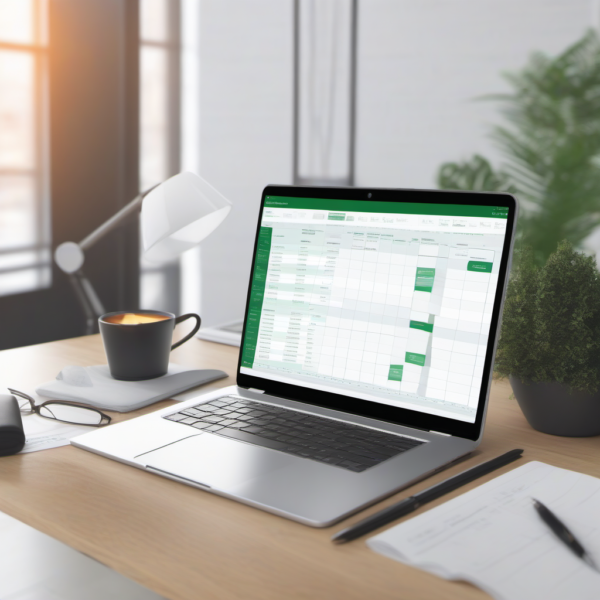
Clients — contact details, service, start date, contract value, and status. One row per client, so “who is actually active?” is a glance, not an archaeology exercise.
Projects — deadline, rate, total, status, and the pair that matters most: hours estimated against hours actual. Fill both in for three months and you will discover your real hourly rate, which is usually not the one on your invoices. It is the fastest route to pricing better.
Invoices — number, client, date, amount, status, and paid date.
Revenue Dashboard — monthly rows separating invoiced, collected, and outstanding, plus active client count. Keeping invoiced and collected apart is the whole point: a good invoiced month with nothing collected is a cash-flow problem wearing a disguise.
What you get
- One
.xlsx, instant download after checkout - Opens in Excel, Google Sheets, and Apple Numbers
- Headers, statuses and example rows in place
- Fully editable
What this is not
Not a CRM with reminders, and it does not send invoices or chase payments. Nothing is automated — you update it. For a solo freelancer that is usually a feature; if you need automated chasing, use a billing tool.


Reviews
There are no reviews yet.